
Room Visualizer Engine v2.0
Room Visualizer Studio
Items in Space:
0
|
Total:
₺0
1. Select Space
2. Light & Atmosphere
3. Add Artworks
Click to add to room

Aura Sculptural Ceramic Vase
₺4.200
Süleymaniye Collection Iznik Plate
₺6.800
Terra Totem Dekoratif Obje
₺5.400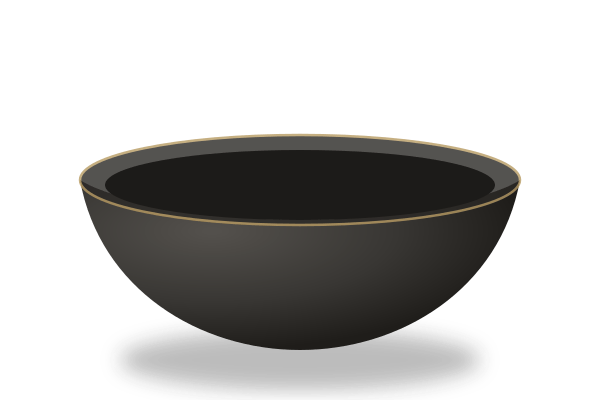
Zen Organik Formlu Seramik Kase
₺2.900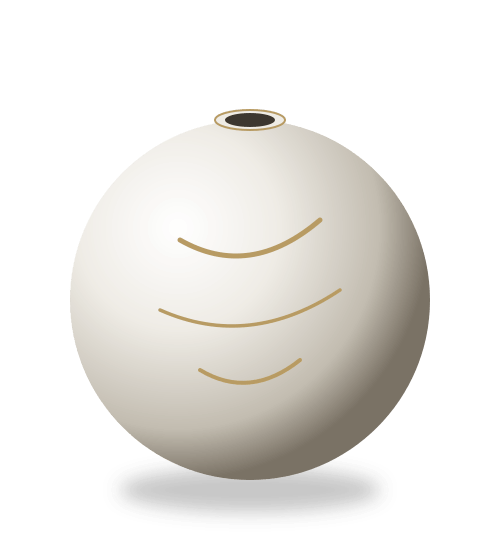
Luna Küresel Çini Vazo
₺7.500
Hera Çifti Sanatsal Mum Koleksiyonu
₺1.850Place Artworks in Your Space
Click any sculptural piece from the left catalog to place it in the room. Drag to position, resize and adjust shadows.
Selected Piece:
-
Scale:
1.0x
Rotate:
0°
Step by Step Guide
How It Works
STEP 01
Room Photo
Upload a photo of your living room, gallery or sanctuary, or select one of our curated architectural scenes.
STEP 02
Artwork Placement
Browse Cérafina fine ceramic artworks on the left catalog and click to insert them seamlessly into your room.
STEP 03
Scale & Depth
Drag pieces over tables or consoles; fine-tune dimension, angle, and floor shadow for natural perspective.
STEP 04
Quote & Export
Download high-definition PNG renders or request a bespoke architectural project quote with one click.